
Video tools
Image to Video
Use a starting image to establish the vehicle or character, the world, and the camera. Then write a motion prompt that describes what changes over the next few seconds.
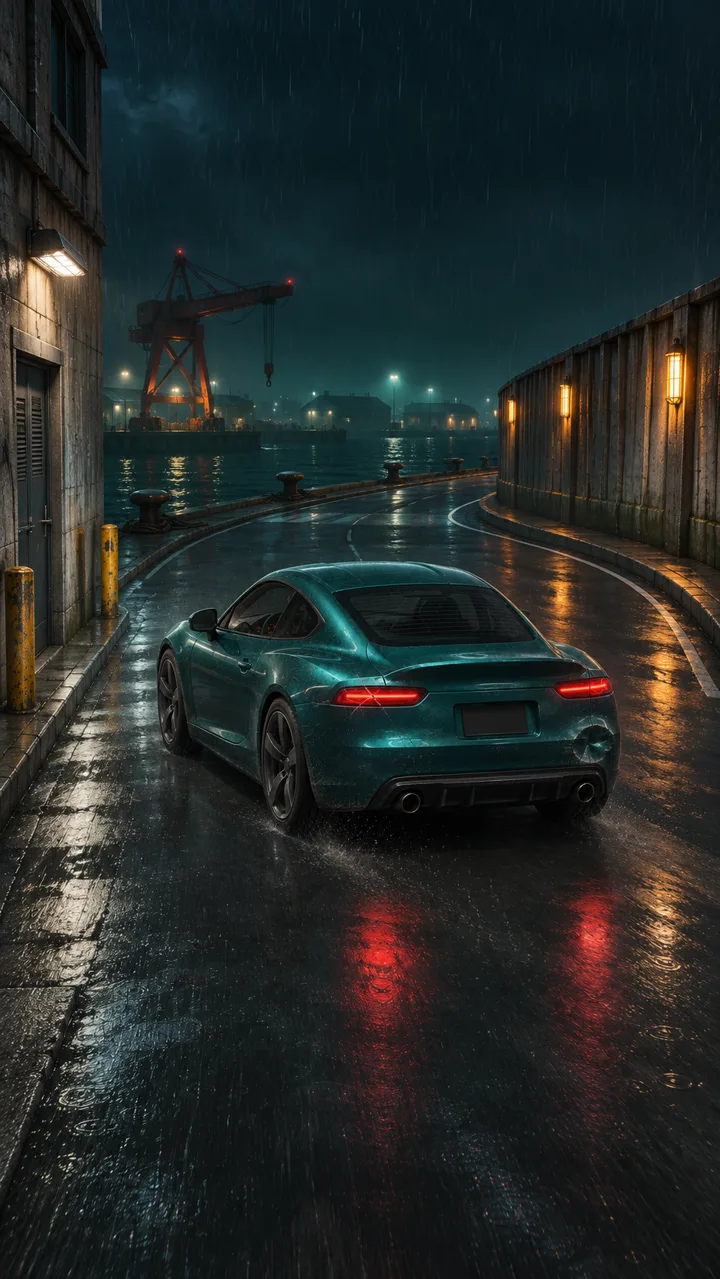
Studio example
Original Breakwater frameThe car, road bend, and waterfront lighting are visible before motion starts.
What makes a good start frame?
Choose a sharp image with the subject fully readable and enough space for its movement. For a car turning right, keep the right-hand lane and road exit in view. For a jump, show the takeoff edge and the landing area.
Write the motion in order
Keep the same teal coupe and waterfront. Follow it from behind as it accelerates into the right bend, slides briefly, and straightens in the exit lane.
Check the result against the image
Compare the first and last moments for continuity in colour, wheels, clothing, and props. Then watch for the action itself. A consistent vehicle can still make a turn that reads too gently to feel like a drift.
See the start frame and sound-mixed take in the Breakwater Run comparison.